


SMS Notifications for Your Customers
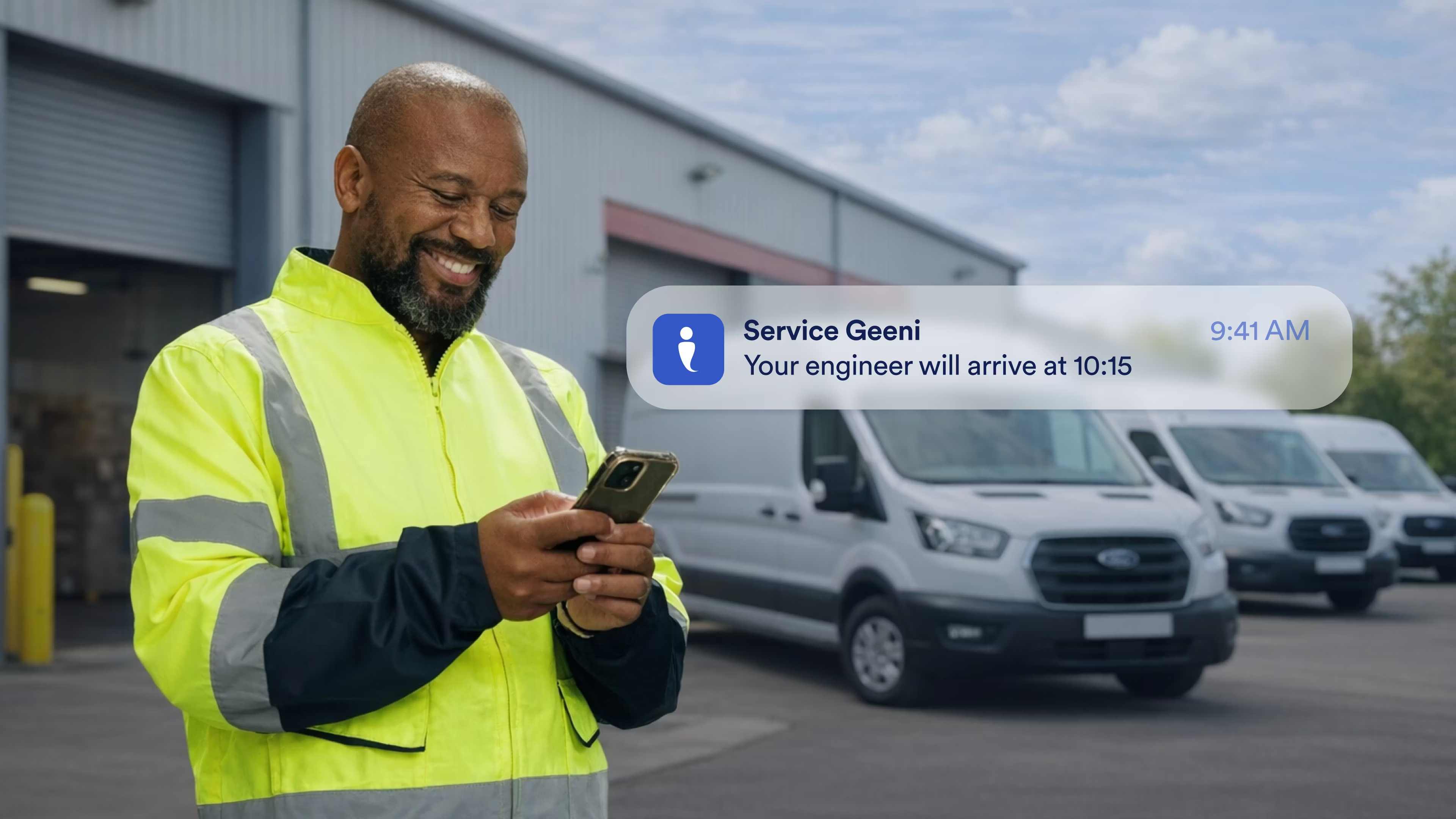
Automatically send real-time job updates by SMS at key milestones, reduce inbound calls, and deliver a smoother, more professional service experience - all from within Service Geeni. Simple to set up. Easy to control.
The #1 choice for thousands of industry leaders






Why Use SMS Notifications?
Keep Customers Informed at Every Step
When customers know what’s happening, they feel confident in your service.
You can automatically send text updates at key job milestones, so no one is left guessing.
- Send updates when a job is logged
- Notify customers when a job is scheduled
- Let them know when your engineer is en route
- Confirm when the job is complete
Less uncertainty. More trust.

Reduce Inbound “Where’s My Engineer?” Calls
Your team shouldn’t have to spend their days answering the same questions from customers.
Automated SMS updates mean customers already know what’s happening before they pick up the phone.
- Reduce status-check calls
- Free up your service desk
- Keep engineers focused on the job
- Deliver a smoother service experience
It’s proactive communication that pays for itself.
Keep Engineers Focused on the Job
Your engineers are there to fix problems, not manage customer updates.
Automatic SMS notifications keep customers informed about engineer arrival and job progress, so your engineers can stay focused on the task in front of them.
- Reduce engineer interruptions during the working day
- Avoid engineers needing to call ahead with updates
- Keep schedules running smoothly
- Let engineers focus on fixing problems, not chasing customers


Stay Professional and Proactive
Small touches make a big difference.
SMS updates show your customers you’re organised, responsive, and in control.
- Deliver a modern, mobile-first experience
- Keep communication consistent across every job
- Strengthen customer confidence in your service
- Improve transparency during service visits
Because good service shouldn’t go quiet.
Simple to Set Up. Easy to Control.
No complex automation. No over-complication.
You decide who receives messages and when. Service Geeni handles the rest.
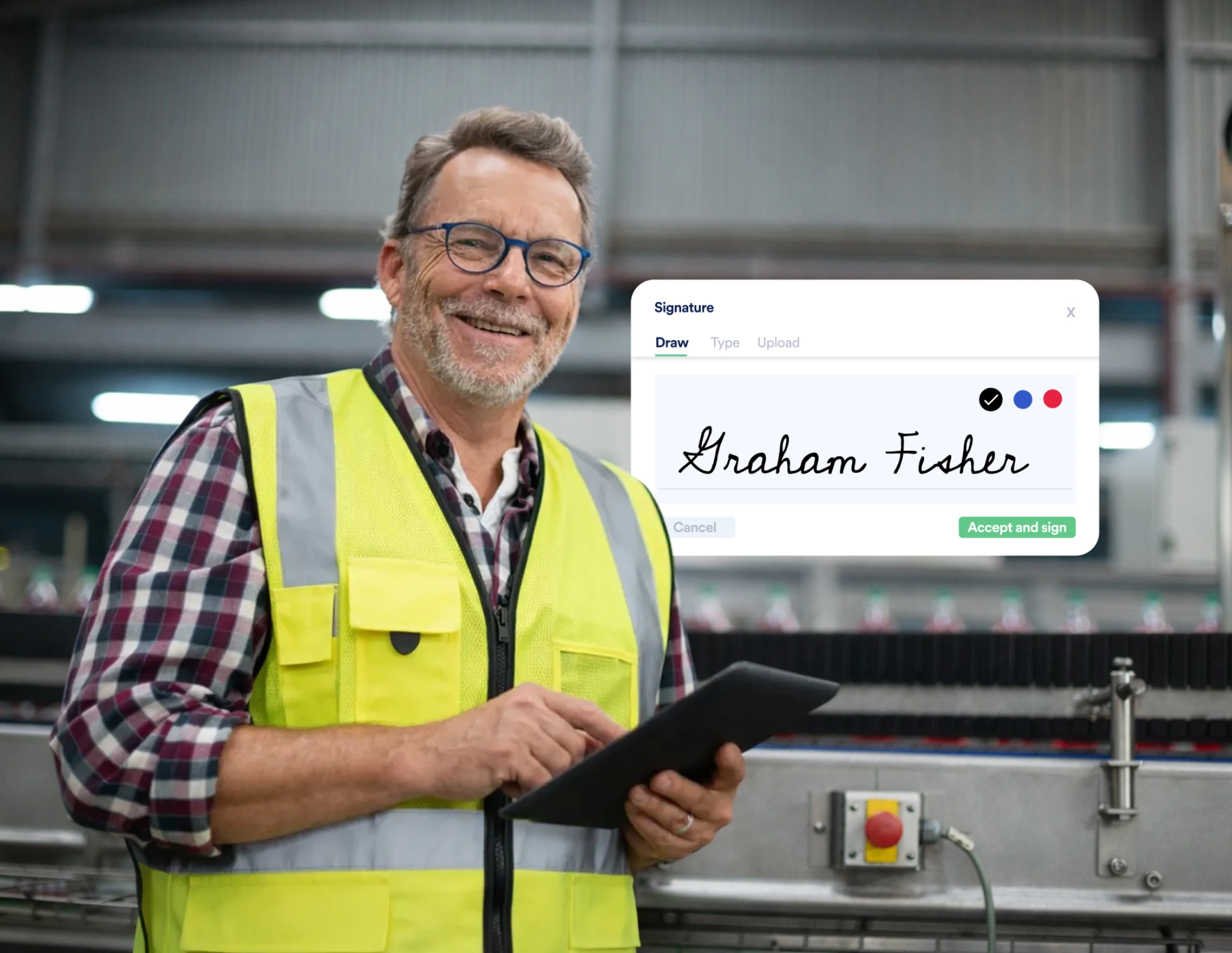
- Enable SMS per customer or per site
- Choose which job events trigger a message
- Select exactly which contacts receive updates
- Turn notifications on or off at any time
You’re always in control.

What Can You Do with SMS Notifications?
Here’s what you can do:
Choose Your Triggers
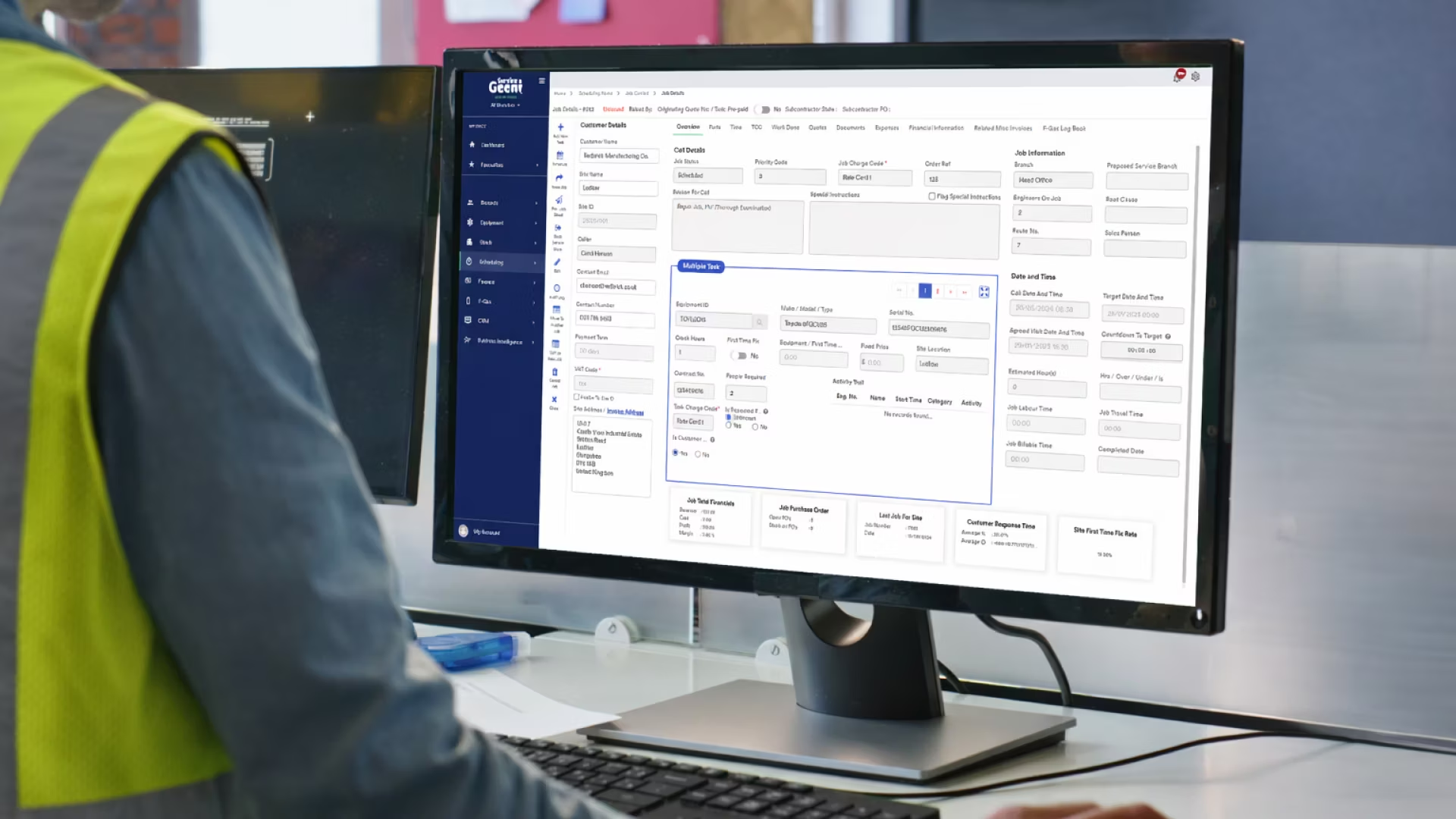

Select the Right Contacts

Control It at Customer or Site Level
Send Clear, System-Generated Messages

Built to Support Growing Service Operations


What Else Does Service Geeni Do?
From asset management and scheduling to reporting and automation, Service Geeni brings your data, engineers, and workflows together in one simple system.
Explore our other features to see how everything connects.
.svg)
.svg)

.svg)
.svg)
.svg)
.svg)
Helping Service Teams Deliver More, Every Day
Batch cancelling jobs is super quick and easy in Service Geeni, saved us a lot of time!
.png)
Customer service is enhanced, bottlenecks are eliminated. We have grown and are comfortably handling more business, without the need to employ more staff. Sales have increased by 86%.

If we are doing services on time, making sure we’ve got parts available, making sure pieces of equipment are there, communicating well, then there is much less chance of creating unwanted downtime. If we don't have equipment running, we don't make profit.
.avif)
Service Geeni has made a big difference to the financial strength of the operation. The availability of cost reports on maintenance contracts is especially useful.
We manage forklift fleets across the country for a wide range of clients with different requirements, so we needed service management software to help us increase efficiency and enhance our customer service & Service Geeni does just that.
We can feed a lot of information back into the client’s system which we never did before. For example, the photos the engineers take. Previously, any photos tended to just sit on engineer’s phones. Now, we actually use them.

We’ve been working with Service Geeni for over 5 years using their service management software, and it’s been a great benefit to us. Initially, the software was used to keep track of truck breakdowns, but over time this has evolved and now we have trackers on all trucks and use mobile devices in the field, giving us complete visibility.
It’s so much easier to see what jobs are still live, we used to have to trawl through all the different accounts. Now we just look at Service Geeni and all the information we need is right there. It’s very useful to have that visibility. Makes our lives easier in the office.
Just wanted to praise one of the customer service Help Desk officers who goes by the name of Chris. He always has a happy, helpful nature and provides amazing customer service - five stars from me and everyone else down here at Clark Electrical Industries Ltd!
.avif)
Service Geeni provides a first-class service all of the time and we could not be happier. Whenever we have a question the team are very helpful giving a simple and clear explanation and always a solution that fits our business.

We are heavily KPI'd with our client, so Service Geeni helps us to monitor our performance and know immediately whether we are on track or not. For example, attending site by a given time. This is easy to track through Service Geeni because the engineers can log on as soon as they arrive on location. We didn't have that sort of visibility before.
We chose Service Geeni after speaking with several providers, confident their solution could meet our current and future needs by integrating everything into one system. Adam and the team were always helpful, providing clear, informative demos that reassured us Service Geeni was the right choice for our business.

We chose Service Geeni because of their willingness to change and adapt to us. Service Geeni offered the best connection with SAP, as well as advanced service management features – not everyone else could do that.

We wouldn't be able to maintain the building and equipment as efficiently as we do if we didn't have Service Geeni. And if we don't have equipment running, we don't make profit...Yes, we would recommend Service Geeni.
Service Geeni speeds everything up. Our engineers just type in the notes, and the billing is all done through Service Geeni. We get paid quicker too – they pay us automatically now through the system – there is no need for human intervention.

Why Us for SMS Notifications?
Because communication shouldn’t create more work.
Service Geeni was built for asset-heavy, service-led businesses that need clarity without complexity. Our SMS Notifications feature fits seamlessly into your existing workflows, so you can improve customer communication without introducing another disconnected tool.
Everything lives in one platform. Everything works together.
You stay in control. Your customers stay informed. Everyone wins.

We’re With You Every Step of the Way
Switching service software can feel daunting, but you’re not on your own. With a dedicated implementation team, customer success representatives, and a knowledge base full of how-to guides and videos, you’ll always have the support you need.
.avif)
.png)
.png)
.png)
.png)
.svg)
You have questions, we have answers
How do SMS Notifications work in Service Geeni?
SMS Notifications automatically send text messages to selected contacts when specific job events occur, such as when a job is scheduled or an engineer is en route. You choose the triggers, customers, sites, and contacts.
Which job events can trigger an SMS?
You can send SMS notifications for:
- Job logged
- Job scheduled
- Engineer en route
- Engineer arrived
- Job completed
Additional triggers may be introduced in future updates.
Can customers control their own SMS settings?
No. SMS settings are configured by you, the service provider. You decide who receives updates and when.
What happens if a contact doesn’t have a mobile number?
If there is no valid mobile number stored for the selected contact, the SMS will not be sent. There is currently no email fallback.
Are SMS Notifications included in my subscription?
SMS Notifications are a paid, opt-in feature. Charges apply per SMS message sent, giving you full control over usage and cost.
Can I customise the SMS message content?
In the current release, messages are system-generated and include key job information such as job reference and status. Customisable templates are planned for future enhancements.
Will customers be able to reply to confirm appointments?
Not in the current version. Two-way SMS and confirmation replies are part of future roadmap developments.

Book Your Demo Today

Talk to Us